
Quote any drawing
in minutes.
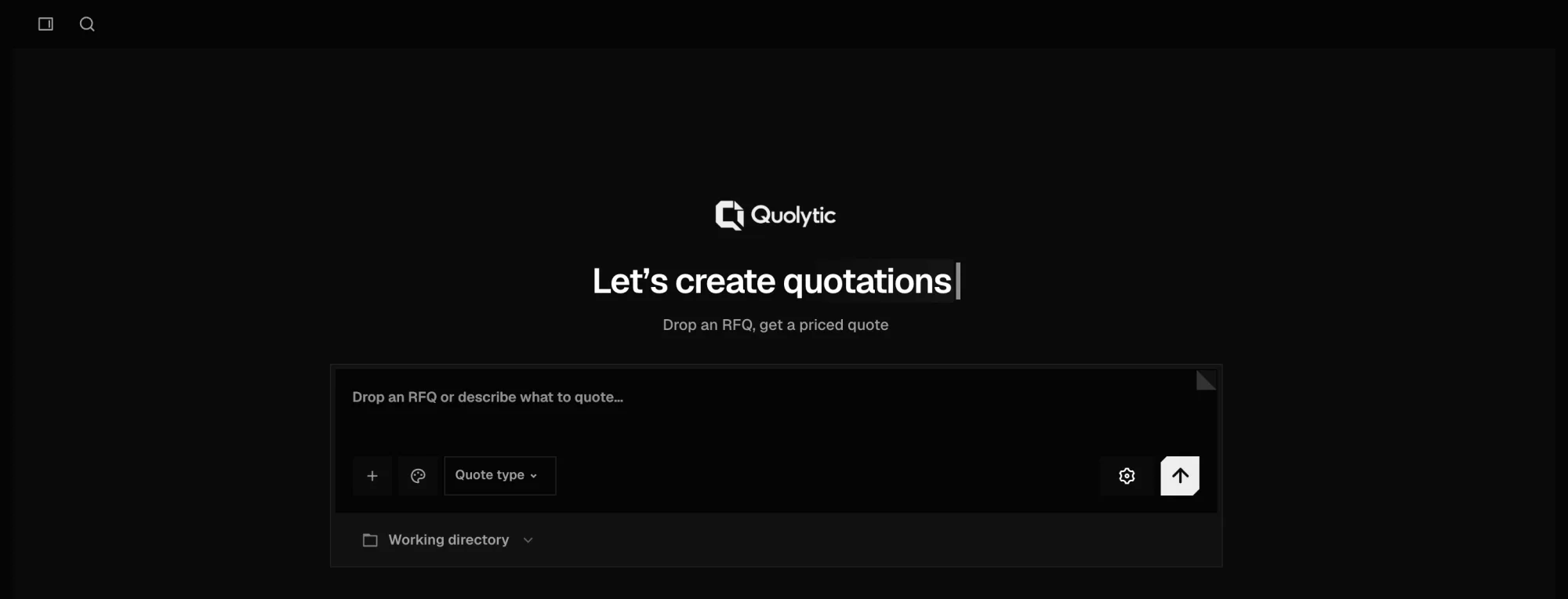
Drop in the RFQ. The agent reads the drawings, asks what it needs to know, and drafts a priced quotation you can trace line by line.
Free. One working day.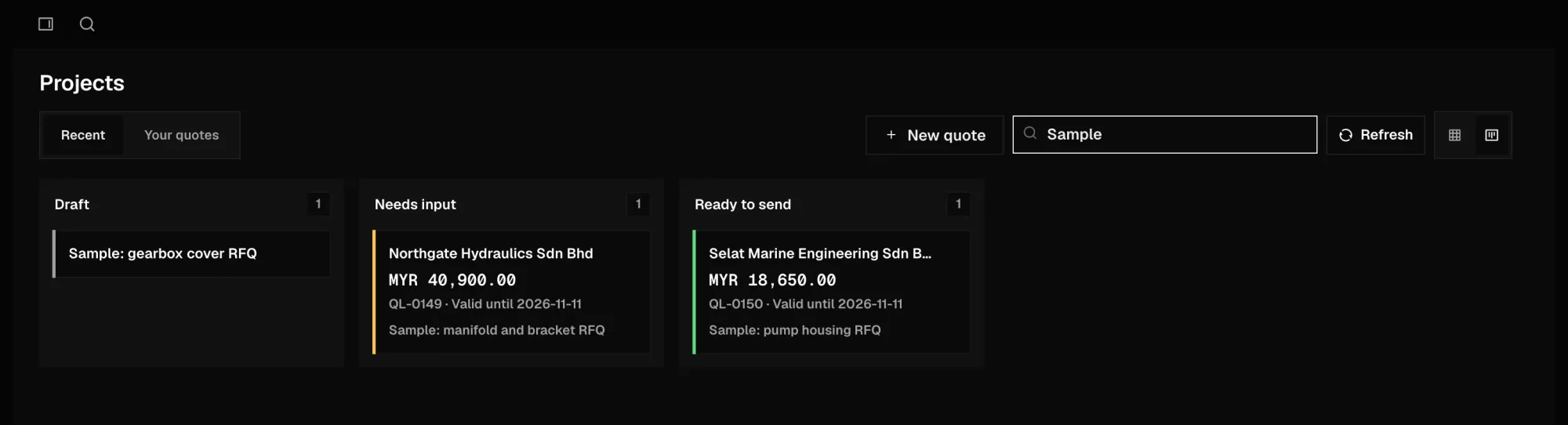
Four steps from RFQ to a quotation you can stand behind.
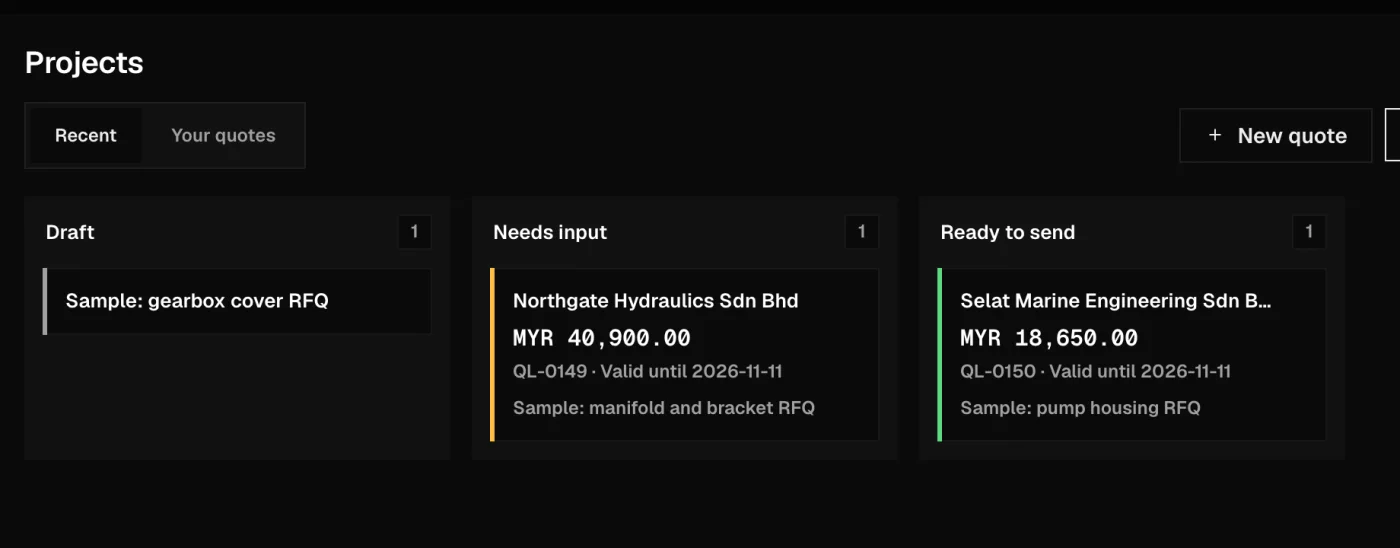
See what Quolytic makes.
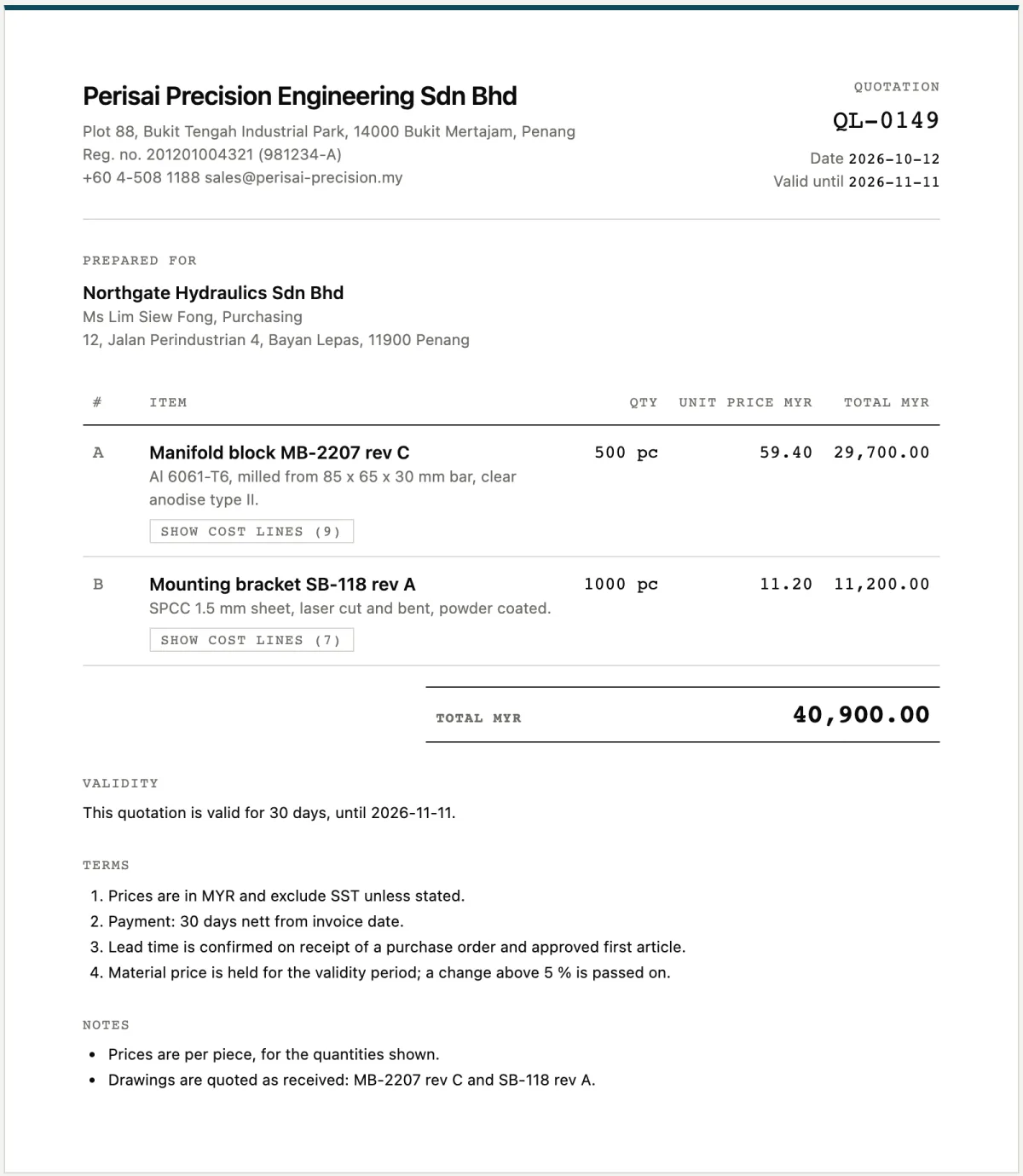
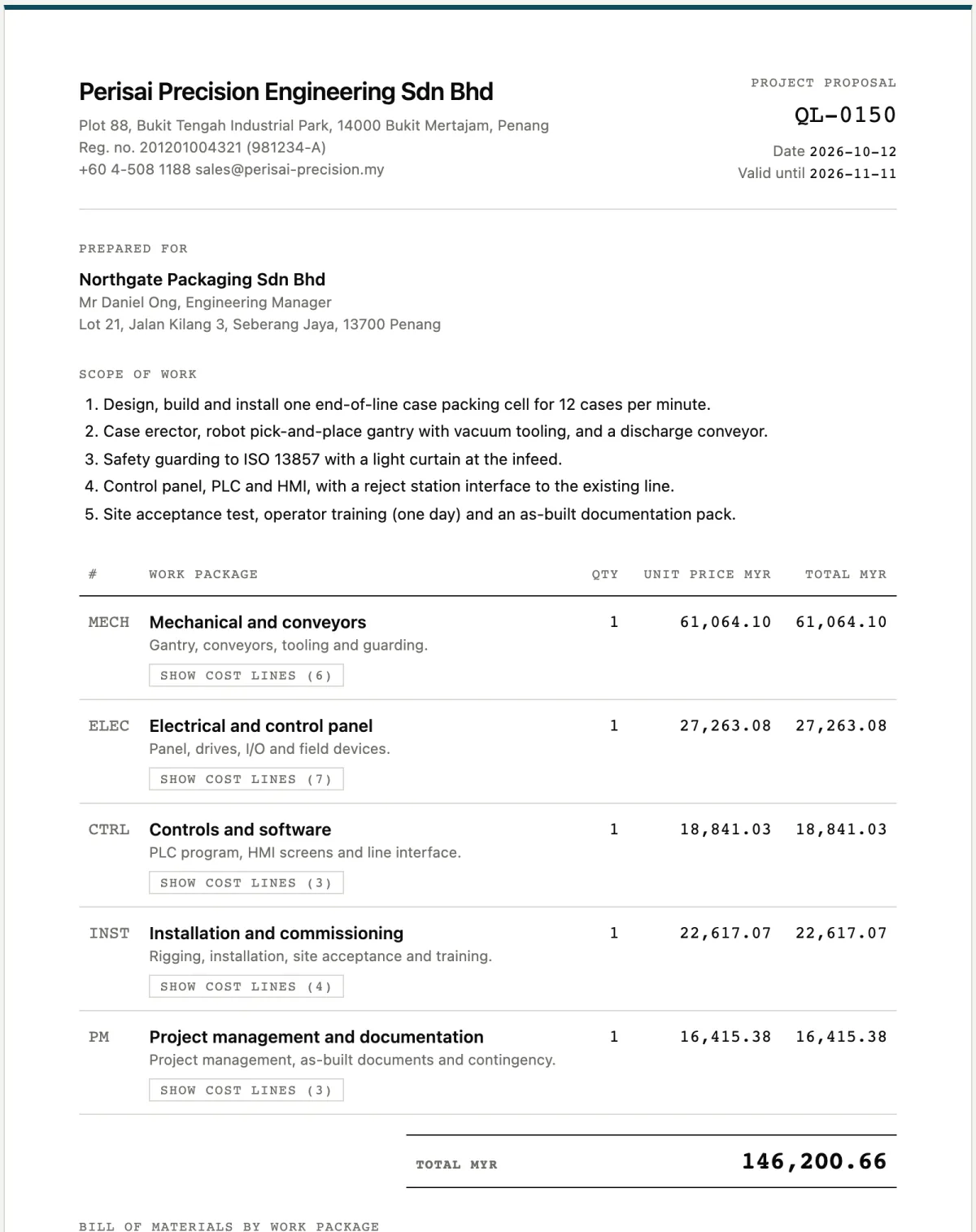
Inside Quolytic.
Built for the person who signs the quote.
Every number carries its source
Each cost line says where it came from and how sure the agent is. You check a line instead of trusting a total.
Prices come from your rates
The model reads and reasons. A script does the arithmetic from your machine rates, material prices and vendor lists. The model never invents a price.
It tells you when not to send
A margin below your floor, a line with no source, a number it is unsure of, a question nobody answered: each is flagged on the quotation itself.
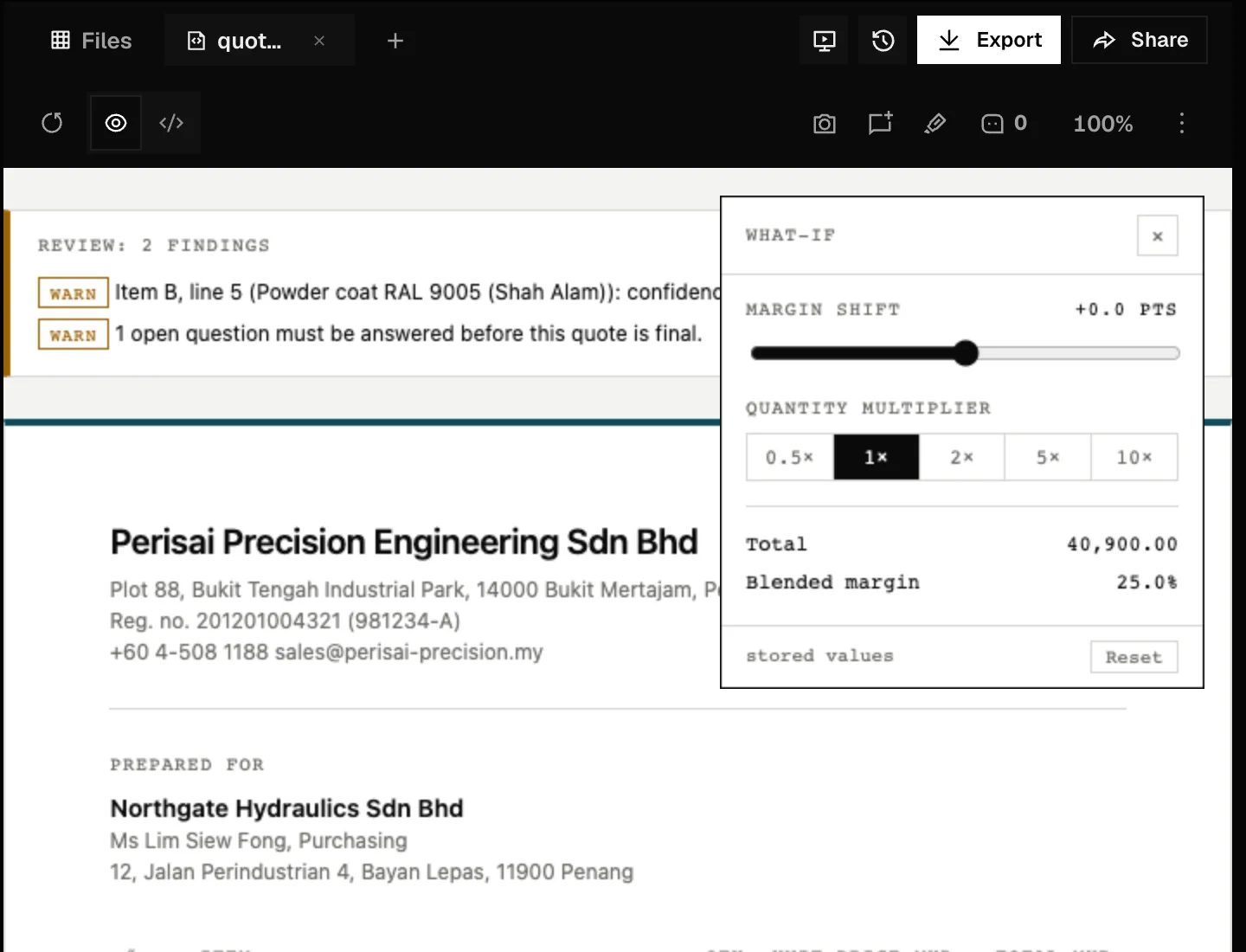
Try a margin before you commit
Move the margin or the quantity and watch the total change. Nothing is saved until you say so.
Checked line by line.
| Cost line | Conf. | MYR |
|---|---|---|
| Al 6061-T6 bar, 0.42 kg, 8 % scrap | 94 | 14.29 |
| Face and profile 80 x 60 x 25 | 97 | 8.40 |
| 2 x H7 bore, drill and ream | 93 | 3.20 |
| Anodise type II, clear | 92 | 3.80 |
The same sum, every time.
Flagged on the page, not buried.
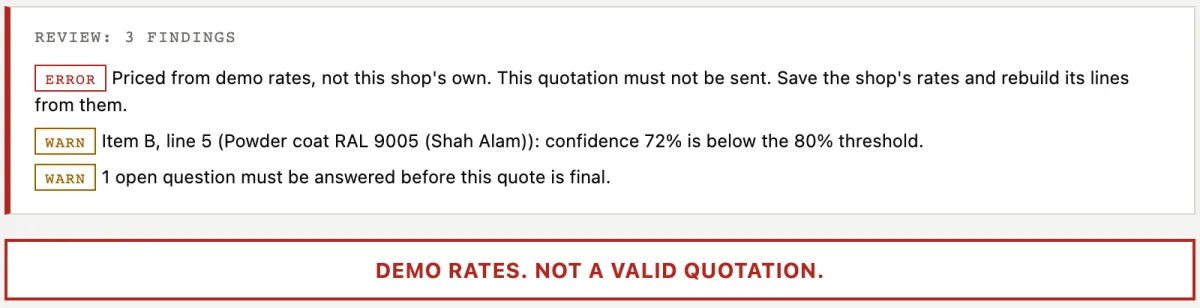 A quotation priced from demo rates refuses to pass as real.
What if it were 22 %?
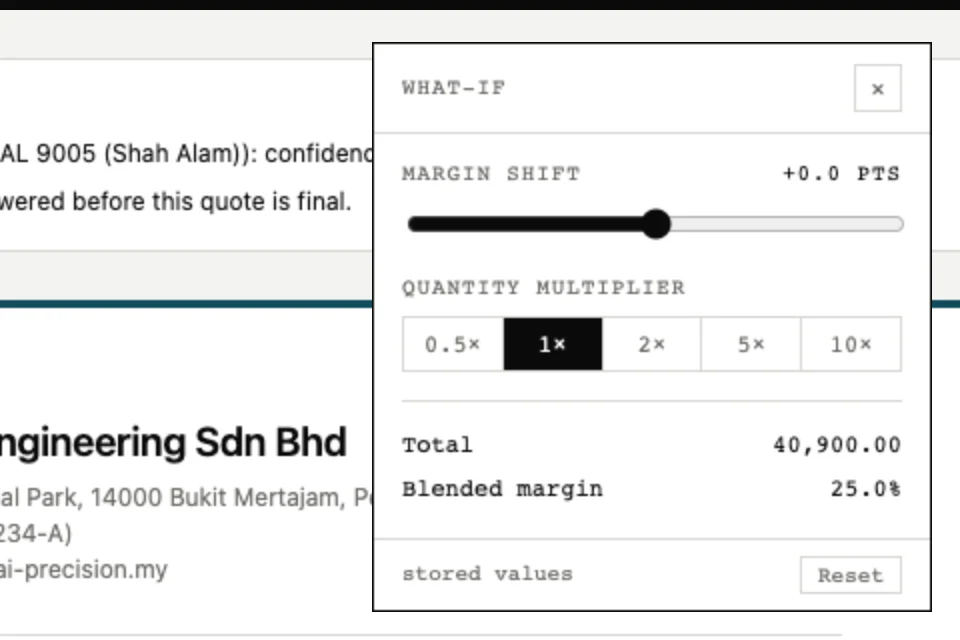 The what-if panel. Stored values stay as they are.
Use the AI model you already pay for.
Quolytic is the quoting agent, not the model. Pick how it gets one.
A coding agent on your computer
- Install Claude Code or Codex and sign in
- Choose it in Settings
- Your existing subscription covers the usage
Your own API key
- Paste a key and run the connection test
- The key is stored on your device
- Your provider bills the usage
A Quolytic plan
- Planned for shops that want nothing to set up
- One sign-up, no keys to manage
- Tell us if this is the one you are waiting for
Free to try on one of your own parts.
Sample quote
- Send one drawing you have already quoted
- We price it and you compare
- Back in one working day
Quolytic for your shop
We are bringing shops on a few at a time. Tell us what you make and how you quote today, and we will be in touch.
Talk to us
Bring a drawing.
Leave with a quote.
Send a part you have already quoted. See how close the agent gets, and why.
FAQs
Does it replace my estimator?
No. It prepares the quotation and shows its working. A person reads it, changes what is wrong, and decides whether it goes out.
Where do the prices come from?
From your shop's rates: machine and labour rates, material prices, vendor price lists, overhead and margin. The agent builds the cost lines; a script does the arithmetic. If your rates are missing, the quotation says so and is marked as not fit to send.
What files can it read?
PDF drawings, photos and scans, STEP models for overall size, DXF profiles, and bills of materials. If a file cannot be read, it tells you which one.
What happens when it is not sure?
It asks. When a fact that changes the price is missing, you get a short question before any number is written. Lines it is less sure of are marked with a lower confidence and listed at the top of the quotation.
Where do my drawings go?
The app runs on your own computer and keeps your projects there. To read a drawing it sends the file to the AI provider you chose, under your own account and that provider's terms. Usage reporting to third parties is switched off.
What kinds of work can it quote?
CNC machined parts, and automation or system-integration projects. Other trades are added one at a time, each with its own costing method.
Can I use it today?
Quolytic is in early access. The quickest way in is a sample quote on one of your own parts.